
Before changing a Linux kernel for audio, write down the problem you want the change to solve. A delayed guitar signal, an occasional recording dropout and an application that cannot obtain realtime scheduling access need different investigations. A kernel change adds another variable. Start with a recording session that you can repeat and a working system you can return to.
This guide uses Ubuntu Studio 24.04 as a reference and labels newer utility features separately. It covers the checks around a kernel decision, rather than prescribing a package for every distribution. If you have not yet recorded and played back a short file, follow the first Linux audio setup guide before changing the operating system underneath it.
Separate three parts of audio timing
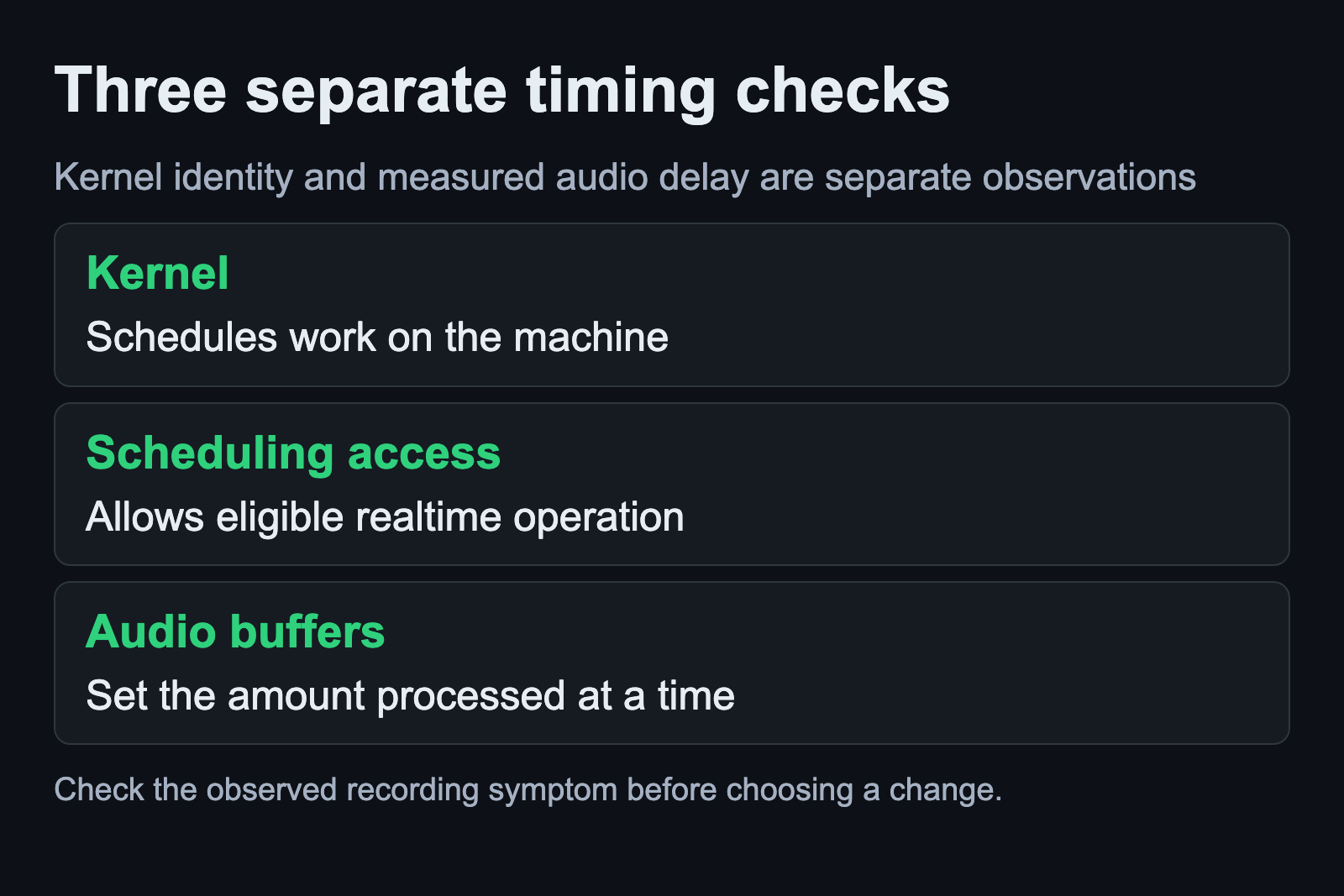
The kernel schedules work across the machine. Realtime scheduling gives an eligible task scheduling treatment intended for time-sensitive work. Audio buffers determine how much audio the application or service processes at a time. These parts interact, but the name of the kernel does not tell you your measured input-to-output delay.
The official JACK kernel FAQ explains that realtime scheduling is available without a specially patched realtime kernel and that most JACK users do not need such a kernel. That is a useful reason to investigate your actual workload before assuming a kernel replacement is a prerequisite for recording.
Scheduling access is a separate check. The JACK permissions documentation discusses the privileges needed for realtime operation. Some examples on that page refer to old distribution releases. Use your current distribution’s configuration tool and documentation instead of copying an old permission file simply because the page mentions JACK.
Save a working reference first
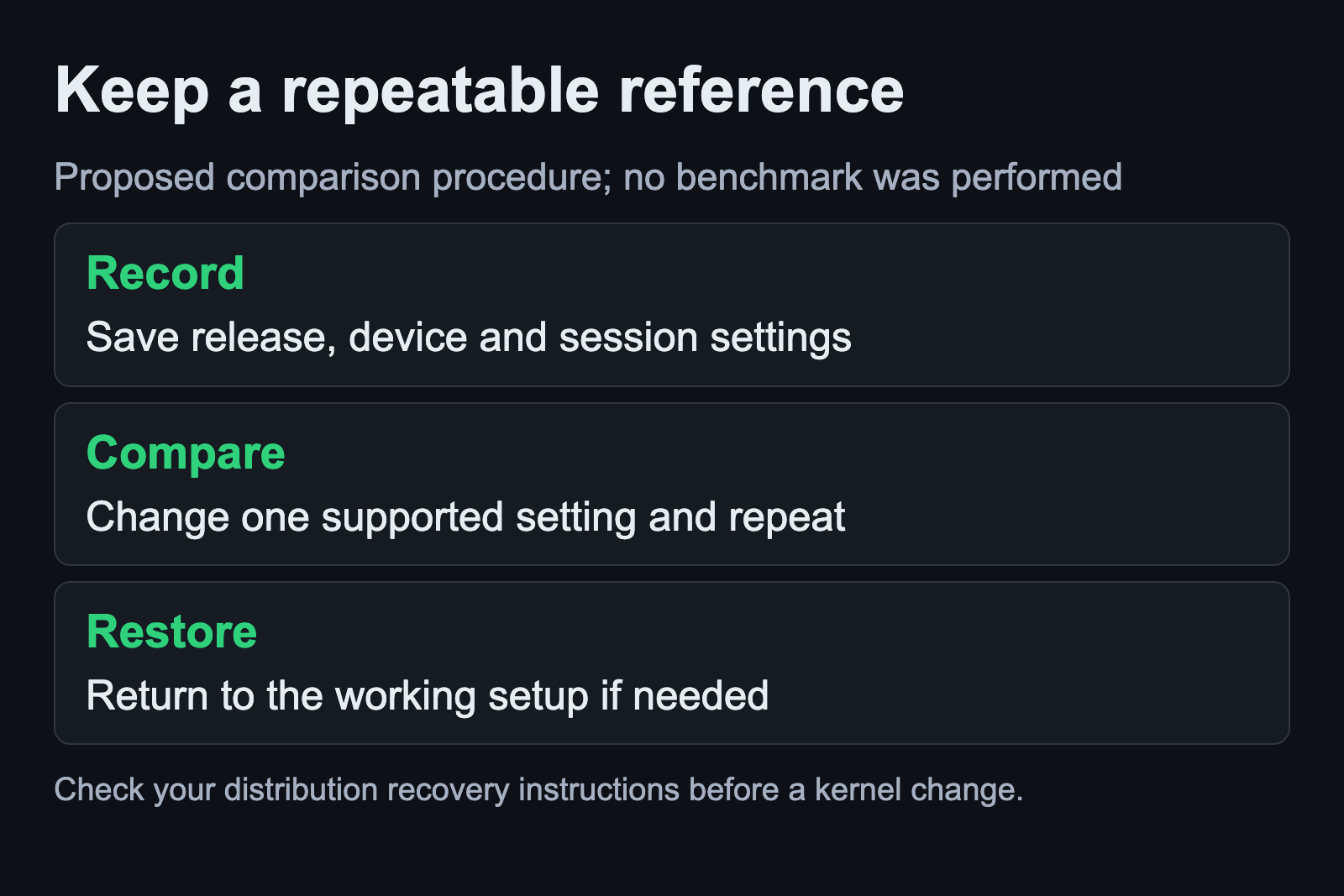
Choose a small session that exposes the problem. Record which interface you selected, the sample rate, the buffer setting, the applications running and the point where you hear a dropout or delay. Include the distribution release in those notes. A comparison made with a different project or a different interface cannot isolate the effect of a kernel change.
For an observation of the running kernel release, use:
uname -rThe uname manual defines this option as printing the kernel release. Save the result in your own notes. It identifies the kernel currently running; it does not test audio performance, grant scheduling privileges or change the machine. Avoid treating a particular word in that release string as proof that the recording setup is correctly configured.
Keep your existing working kernel available through the distribution’s supported process before making an experiment. Check the recovery instructions for your machine in advance. This article does not give a generic boot-menu key or package-removal command because those details depend on the system you actually installed.
Check the Ubuntu Studio release before following a screen
Ubuntu Studio Audio Configuration documents its utility for Ubuntu Studio 24.04 and later. Its changes are system-wide and require administrator authentication. Read the section for the task you are doing and confirm that it applies to your release before opening a control shown in a tutorial.
In particular, the documented kernel boot-parameter control is for 24.10 and later. Do not expect that later control to appear in a 24.04 installation. The documentation describes later releases using the Ubuntu Generic kernel with selected boot parameters. This is why advice built around a dedicated low-latency kernel package can become a poor match for a newer Ubuntu Studio system.
If your release already provides its intended audio configuration, establish whether that configuration is active and whether your session works with it. Installing another kernel because an older guide lists a different package name can obscure the original problem. Resolve a release mismatch in the instructions before changing the system.
Understand a boot parameter before changing it
The Ubuntu Studio documentation names preempt=full and threadirqs in its later-release defaults. Those strings are documented parameters, not a universal pair of commands to paste into a terminal. The kernel parameter reference explains their scope and conditions.
The preemption selector depends on a kernel built with the relevant dynamic-preemption support. The interrupt-threading parameter also has exceptions. A short audio tutorial cannot infer your kernel build options or every driver’s interrupt behavior from the distribution name alone. Follow the release-specific supported control when it applies, and record the previous value before an authorized change.
Avoid expanding this experiment into arbitrary scheduler tuning. The kernel realtime scheduler documentation warns that inappropriate period and runtime settings can destabilize a system. Removing limits or adopting unexplained numeric values is outside this guide’s setup procedure.
Compare one change using the same recording session
After a supported change and any required restart, record the running release again and reopen your reference session. Use the same interface, sample rate, buffer setting and processing. Note whether the original symptom still occurs and under what load. If several settings changed together, return to the notes and reduce the comparison to something you can interpret.
For a monitoring-delay problem, the Linux audio latency guide explains why buffer duration and complete round-trip latency need separate treatment. A lower buffer setting that produces dropouts is not a useful recording improvement. Choose a stable setting for the session you need to finish.
If the machine will not start normally or audio behavior becomes worse, use the recovery path you checked before the experiment. Keep the successful reference in your notes alongside the failed change. No benchmark was performed for this article, and no kernel is promised to fix every interface or workload. The useful outcome is a repeatable comparison that tells you whether this particular change helped your recording setup.
Sources and scope
The linked distribution documentation establishes release-specific controls. The JACK FAQs explain scheduling requirements, and the kernel manuals define the parameters discussed above. Documentation checked September 6, 2026.