
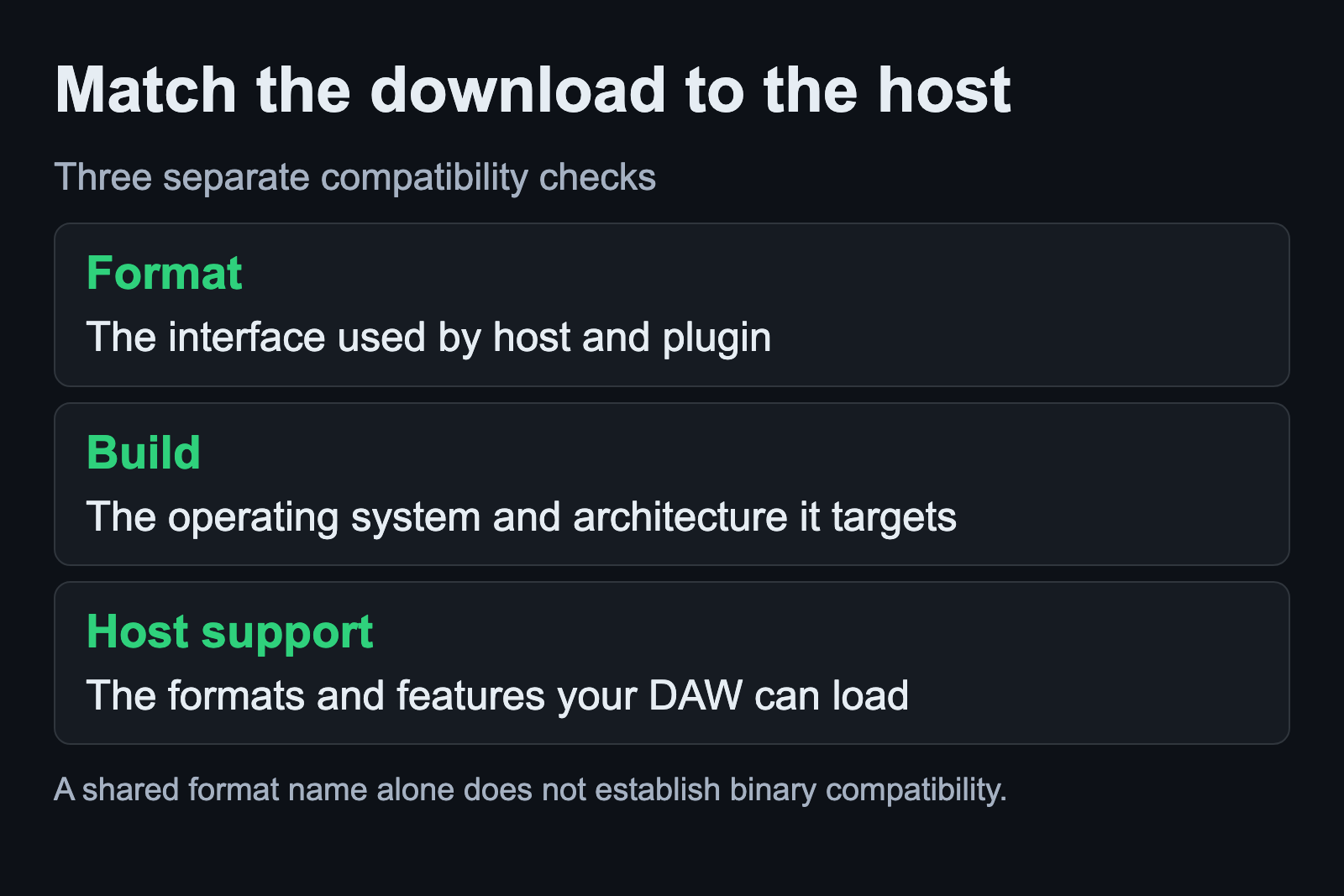
Choose a plugin download by checking its format, Linux build and host support separately. A file labelled VST3 can target a different operating system from the one running your DAW. The format describes how a host and plugin communicate; it does not make every download usable on every machine.
This guide uses a native Linux DAW on Ubuntu Studio 24.04 as the example environment. It explains the common format names and a practical selection process. It does not rank formats by sound quality or assume that every host implements every available feature.
Start with the host you actually use
Open your DAW’s current plugin documentation and list the formats it supports. Then check the plugin maker’s downloads for a Linux build in one of those formats. Keep the host version and the downloaded build identity with your project notes.
If you are still choosing a host, the Linux DAW comparison starts with the recording task and application requirements. Avoid selecting a plugin collection first and discovering later that the DAW cannot load the format you downloaded.
Also check the architecture and installation requirements stated by the vendor. This is a download-selection step, not an invitation to rename files until the host accepts them. Keep the original archive or installer information so you can identify exactly what was added if the scan fails.
LADSPA provides a simple processor interface
The LADSPA project defines a standard for audio processors and effects used by compatible applications. A plugin library can contain several processors, so a package name and the individual entries shown in a host need not match one for one.
For a musician using an existing effect, the relevant questions are whether the host supports LADSPA and whether the installed library is available to it. A simple interface can still perform useful processing. Judge the specific processor and its behavior rather than treating the format name as a verdict on the sound.
LV2 combines a core with extensions
LV2 is an extensible standard used for effects, instruments and control processors. Its core is accompanied by extensions that supply additional features. This is why a broad statement that a host supports LV2 can still leave a feature-specific compatibility question.
The project’s host compatibility table shows support for individual features. Use it as a starting point alongside the plugin and host documentation. Check the behavior your session needs, such as restoring state or presenting the intended controls, in the version you actually run.
When comparing two versions of the same plugin, save a copied session and verify that the chosen settings return after reopening. A standard’s state facilities do not guarantee that replacing an existing plugin entry with another format automatically preserves every project decision.
CLAP needs support on both sides
The CLAP project describes an interface for DAWs and audio plugins to work together. As with the other formats, both the plugin build and the host need the relevant support. Check the host’s own release documentation instead of assuming that a new format is present in an older installation.
Keep the actual plugin task in view. If you need a particular instrument response or automation behavior, include it in the test project. A format appearing in a feature list is useful evidence, but opening, controlling and restoring the specific plugin gives you a result you can use.
VST format and operating-system build are separate
VST2 and VST3 are format labels you will encounter in Linux audio software. For a native Linux host, select the vendor’s Linux build where one is available. Windows plugin use introduces a compatibility layer with its own requirements, described in the Windows plugin test guide.
The official VST3 location reference distinguishes user, global and application-specific installation scopes for each operating system. Follow the Linux location and the vendor’s installation instructions. A scan path copied from another operating system is not a useful default.
If the host reports duplicate entries, identify their format and installation source before choosing one for a new project. Preserve existing projects while investigating. Removing a duplicate-looking file without establishing which entry a session uses can create a missing dependency later.
If the whole DAW runs under Wine, the WineASIO guide explains its audio-driver role before you choose a plugin-bridging approach.
Install once, then verify the scan and saved state
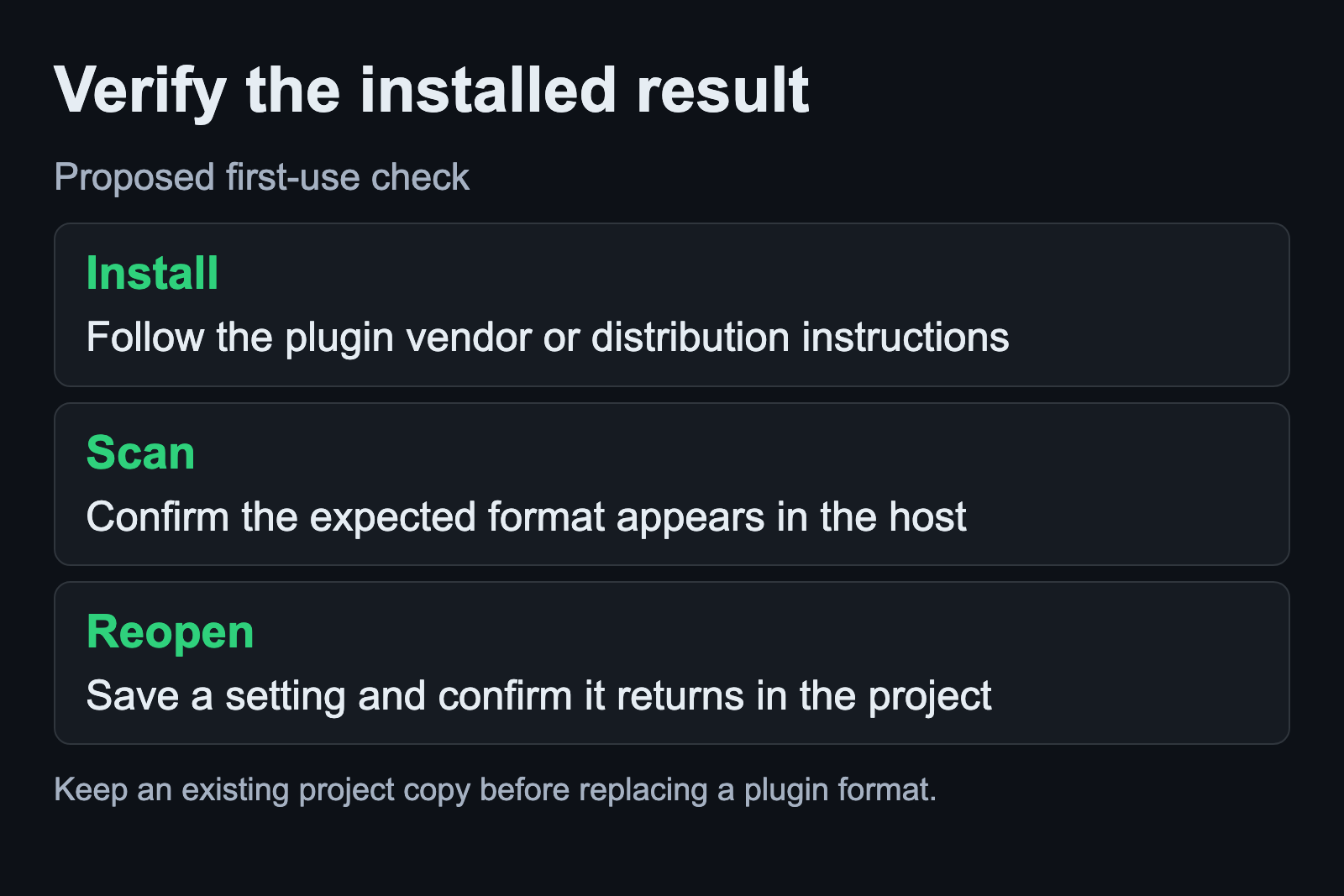
The Ardour plugin guide explains that distribution packages and package names vary. It also distinguishes shared-library plugins from directory-based bundles. Use the supported installation method for the package you selected instead of manually scattering its contents across several guessed folders.
After installation, run the host’s documented scan and find the expected entry. Create a small copied test project, adjust a recognizable setting, save and reopen it. Then export a short passage and listen to the result. Keep any scan error separate from an audio-routing error so the next investigation starts at the right stage.
For new sessions, choosing one verified format for a given plugin can make project dependencies easier to track. This is an organizational recommendation, not a claim that another supported format sounds worse. Keep the installed version and format in the project notes when recall matters.
Sources and scope
Format definitions come from the LADSPA, LV2, CLAP and VST3 projects. Host and installation distinctions come from Ardour and yabridge documentation. No plugin benchmark or audio-quality comparison was performed. Sources checked September 6, 2026.