
If you want a documented starting point for a new Linux recording machine, put Ubuntu Studio LTS on your trial list. Compare it with Fedora Jam or AV Linux when their application choices and maintenance approach fit your work better. Choose after testing a real recording task on your hardware.
This guide checks project information as of September 6, 2026. It offers a selection procedure rather than a latency ranking. No distribution was benchmarked for this article, and an audio-focused name does not establish how your particular interface, plugins and session will behave.
Decide what the replacement must do
Write down the job in concrete terms: record a microphone, play a software instrument, reopen an existing project, or route sound between applications. List the DAW and plugins that job requires. A distribution with many bundled tools can still be the wrong choice if one essential project dependency is unavailable.
Keep your current working system while investigating. Make backups of recordings and project files, and identify where third-party installers and presets are stored. Treat a new operating system as a separate environment until you have evidence that it can reproduce the work you need.
Also decide how you want to maintain the machine. Read the candidate release’s support information and update instructions. The useful question is whether you can keep that particular installation supported through the period when you expect to use it, rather than whether its screenshots look familiar.
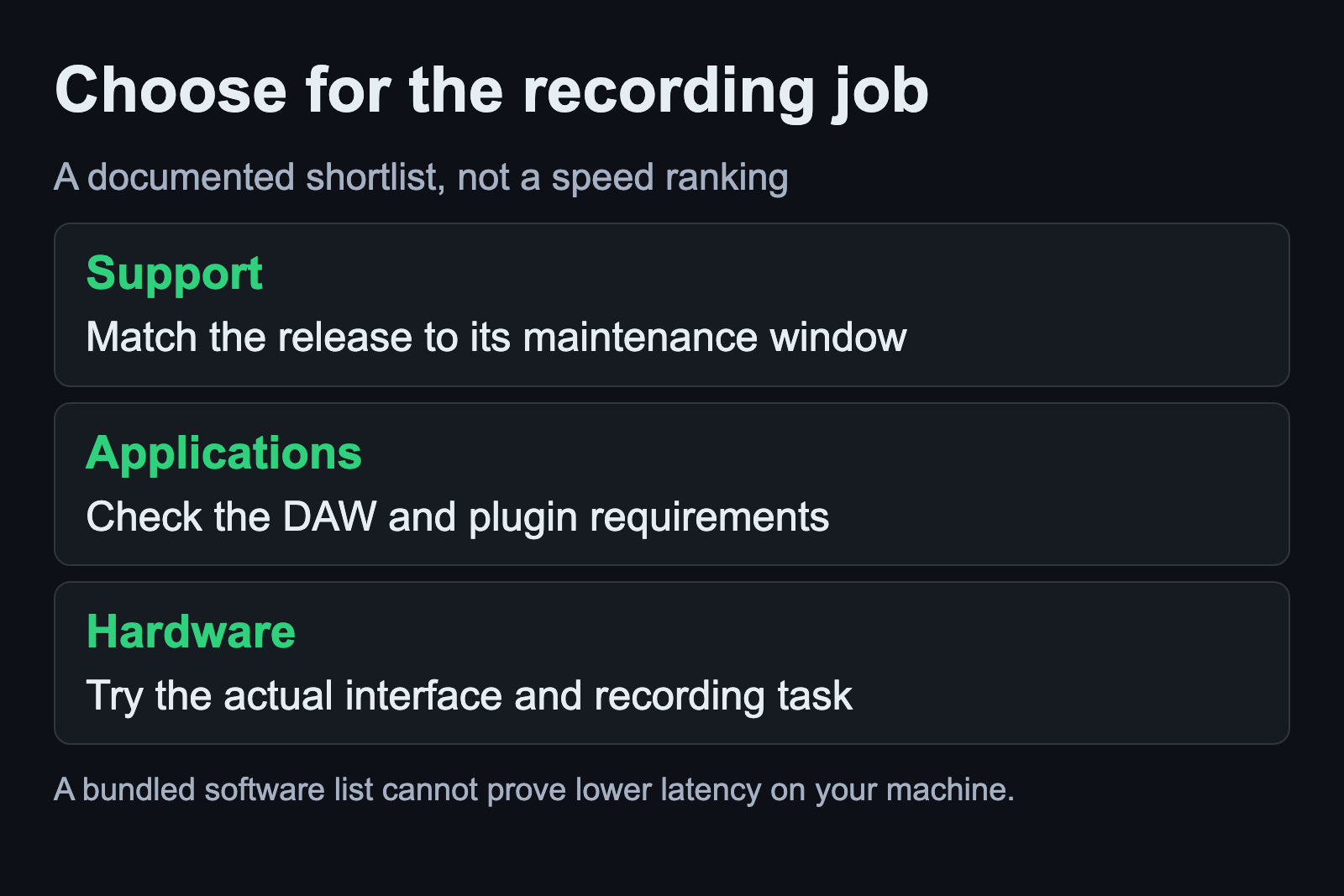
Ubuntu Studio provides a clear first trial
The official download page currently lists Ubuntu Studio 26.04.1 LTS, supported until April 2029. It uses Plasma Desktop by KDE. The project also points to Ubuntu Studio Installer for people starting from Ubuntu or another official Ubuntu flavor.
The download is a live image, so the included applications can be tried without installing the operating system. Follow the project’s linked media-creation and checksum instructions. Identify the USB device carefully before writing installation media, and preserve any files already on it.
Use that trial to answer a narrow question, such as whether your interface appears and a short recording can be played back. Keep a note of the image version. Results from an older Ubuntu Studio installation should not be silently presented as results from the current release.
Fedora Jam is an application-focused alternative
Fedora Jam groups audio software for musicians. Its featured applications include Ardour, Qtractor, Hydrogen and Yoshimi. That makes it a useful candidate when you want to explore a curated collection within Fedora.
Check the release notes and the actual image before drawing conclusions about package versions or the active audio server. The overview page’s software descriptions are a starting point for selection, not a substitute for inspecting the release you intend to run.
For an existing Fedora user, keeping familiar update and package-management habits can be a practical advantage. That is an organizational reason to try it. It does not establish that Fedora Jam will produce fewer dropouts than another distribution on an untested machine.
Distinguish AV Linux from MX Moksha
The maintainer’s 25.2 release announcement discusses AV Linux and MX Moksha together. A follow-up explains that they share a core while differing in the included application collection. MX Moksha is described as a basic system; AV Linux includes the multimedia software.
Read the image description before downloading. Similar foundations do not mean that the same DAWs and plugins are already installed. Our AV Linux manual guide explains how to match documentation to a release and why an older manual should not dictate current installation steps.
The JackLab distribution history provides context for older Linux audio systems. Historical software can be worth studying without being a sensible replacement for a supported recording workstation. Keep that distinction clear when a search result leads to an old download or tutorial.
Match the instructions to the release
Before applying an audio setting, confirm that the guide names your distribution and version. Ubuntu Studio Audio Configuration, for example, separates instructions for 24.04 LTS from later releases. A familiar utility name does not prove that every setting or prerequisite is unchanged.
Keep package installation, audio routing and performance tuning as separate questions. First establish that the required application opens and the interface is available. Then verify the route. Investigate performance only after a basic recording works, so a missing connection does not get mistaken for a distribution problem.
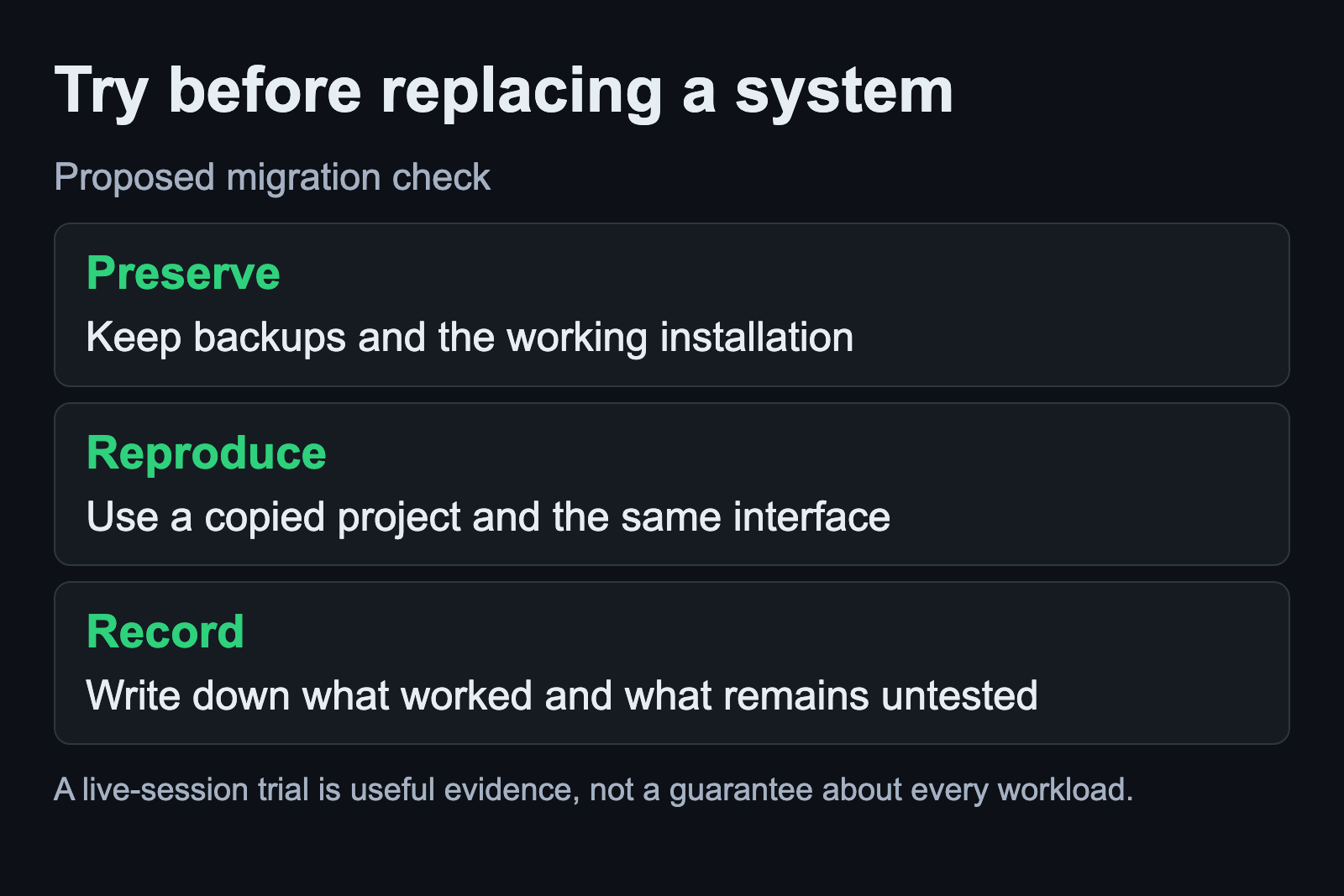
Use the same small project for each trial
Prepare a copied session with the minimum material needed to represent your work. Record a short passage, play it back, save and reopen the session, and export an audio file. Listen to the export outside the DAW. Write down which steps passed and which dependencies were missing.
For a software-instrument workflow, include the plugin and controller behavior you rely on. For microphone recording, include the intended input and monitoring route. Do not change the interface, project and buffer setting at the same time while comparing candidates; you would lose the basis for a useful comparison.
A successful live trial supports the next installation decision. It does not prove that every large project will behave the same way. Before installation, verify backups and the selected destination drive against the installer’s current instructions. Keep the previous working system recoverable until normal sessions and exports have passed.
Sources and scope
Release and software descriptions come from the Ubuntu Studio and Fedora project pages and the AV Linux maintainer’s announcement. The trial procedure is a proposed workflow. Hardware compatibility, latency and long-session stability were not measured for this guide.