

The AV Linux manual you use should match the release on your computer. A familiar PDF filename is not enough to establish that match. The project-hosted document linked here identifies itself as the AV Linux MX-21.2.1 Edition User Manual, prepared by Glen MacArthur. Newer AV Linux releases have their own changes to investigate.
This is an original guide to finding and using the documentation. It is not the former German manual or a translation of it. JackLab Audio is an independent publisher. If you are starting with Ubuntu Studio instead, our first Linux recording guide states that system’s assumptions explicitly.
Check the document’s edition first
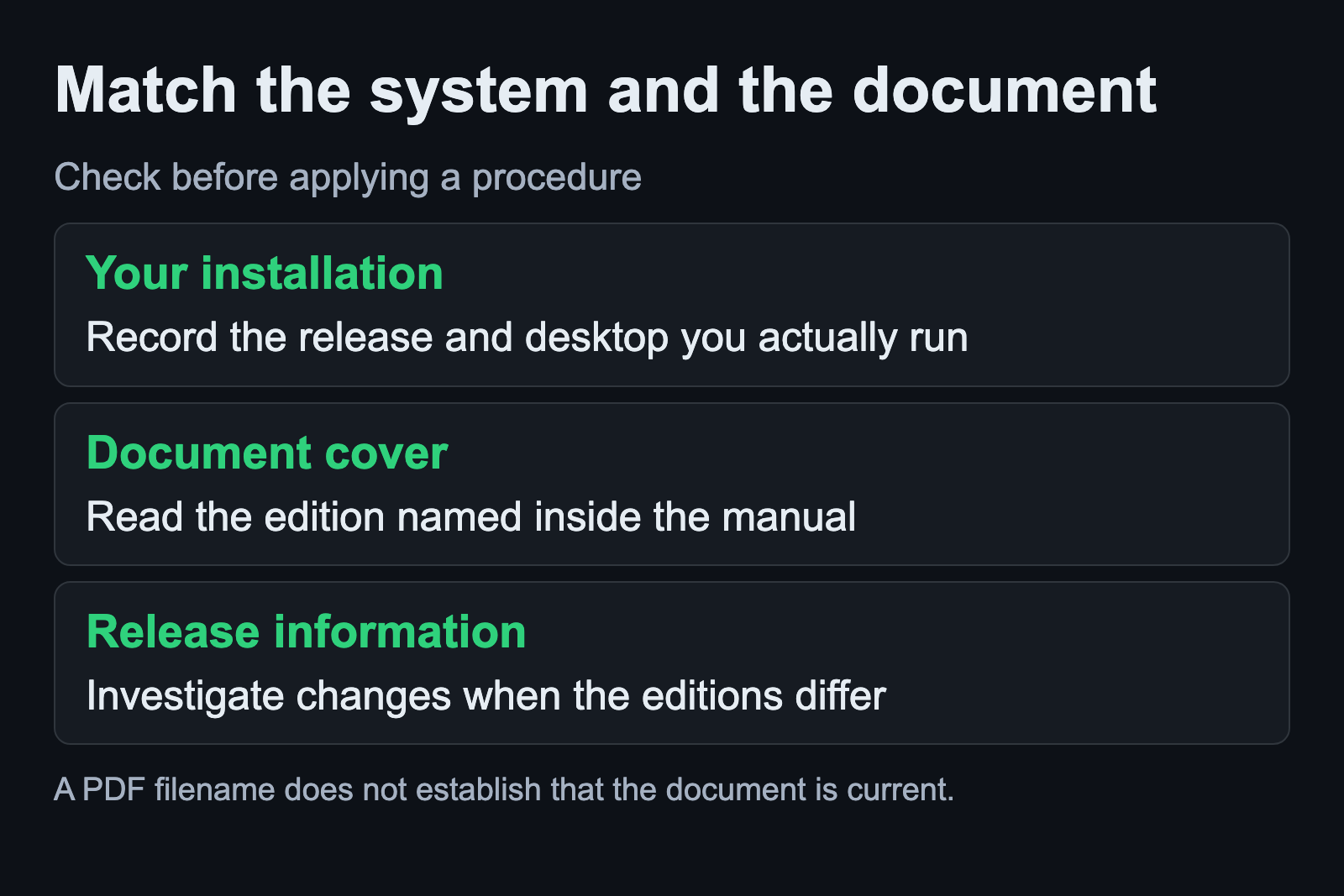
Open the project-hosted AV Linux manual and read its cover before following a procedure. The version in the document matters more than the general wording of the link that brought you there. In the copy checked for this article, the cover says MX-21.2.1.
That manual contains separate sections for installation, getting help, audio and MIDI, and application setup. Its introductory notes also say that some screenshots were still awaiting updates. Treat the document as documentation for its stated edition, with the limits its author describes.
Write the manual edition beside the release installed on your machine. If you are evaluating a downloaded system image, record the release you intended to obtain as well. A mismatch is a reason to find the relevant release information before changing the system.
Use release announcements to investigate changes
Glen MacArthur announced AV Linux and MX Moksha 25.2 on the Ardour forum on May 30, 2026. That dated announcement establishes that the inspected MX-21.2.1 PDF cannot be assumed to describe every later release.
In the discussion, the maintainer explains that the two variants share their core while differing in their initial software selection. A reader moving from AV 21 asks which variant to choose. The exchange is a useful example of a question that a release announcement and maintainer answer can resolve more directly than an older manual.
Read the announcement for the release you actually plan to use, including any notes for existing installations. Keep upgrade instructions separate from instructions for a new installation. This article supplies neither procedure because the right procedure depends on that starting point.
A release number is only the beginning of the comparison. Note the desktop and the audio tools present on your computer. If the document shows a control you cannot find, investigate whether the document describes your edition before treating the missing control as a broken installation.
Choose the documentation for the question
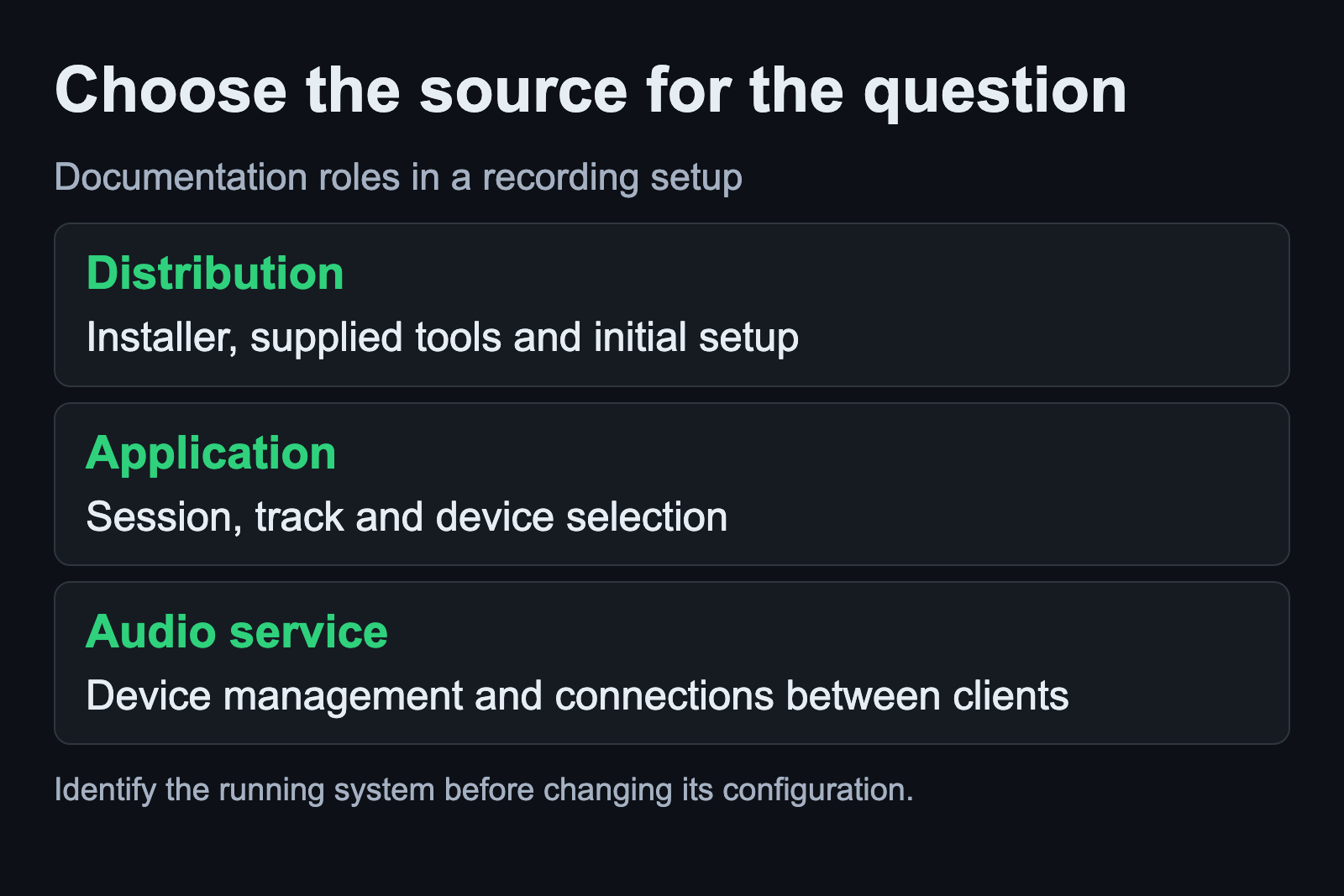
Start with the distribution’s material when the question concerns its installer, supplied utilities or initial configuration. Move to the application’s own documentation when the question concerns a recording program’s session, track or device selection.
For example, Ardour’s Audio/MIDI Setup manual separates the audio system from input and output device selection. It also explains that available options depend on the operating system. That distinction is more useful than assuming that every control visible in an older screenshot must appear in your current dialog.
If a device is present but an expected route is absent, the audio service can become relevant too. PipeWire’s configuration documentation separates the main daemon, compatibility service, session manager and clients. It assigns much device configuration to the session manager. That is a reason to identify the running setup before editing an unrelated application’s preferences.
Keep the question narrow as you move between these sources. “Which input does this session record?” and “Which service manages this device?” need different evidence. A search for a general sound problem can produce plausible instructions for several systems that are not yours.
Read a procedure before applying its first step
Before changing anything, read the entire relevant procedure. Identify its starting conditions, what it changes and how you will recognize success. Compare those conditions with the system and application you have open. If a prerequisite is unclear, resolve that question before proceeding.
Keep a note of the current setting beside the proposed setting. Save the project you are using for the check. For a recording problem, define a small observation such as whether the intended input is recorded or whether the saved take plays through the intended output.
These are proposed working habits, not a report of an AV Linux test we ran. We have not installed the release on your hardware or verified a copied command against your package versions. The point of the notes is to preserve enough context to understand the result.
When a command names a package, path or service that differs from your installation, stop using that command as a template. Return to the release-specific source. Editing a guessed name until a command runs can leave you with a change whose purpose you no longer understand.
Ask for help with the release and symptom attached
An October 2025 Ardour discussion began with a reader looking for an AV Linux download. Another release was suggested before the reader clarified the version wanted. The dated exchange illustrates how a missing release number can send even a simple question in the wrong direction.
For a support question, state the distribution release, the application and the task you attempted. Describe the step that failed and the behavior you observed. If a manual led you there, include its edition and the relevant section title. This lets someone compare the instruction with the system you are using.
Include only the technical details needed to reproduce the problem. Review screenshots and logs before sharing them, especially when they contain project names or personal file paths. Keep your original notes locally so a shortened public question does not become your only record of the changes.
What the old manual link provides here
The historical PDF address on this domain now leads to original explanatory material. It does not provide a replacement copy of the former manual. For the actual AV Linux document, use the project-hosted link above and check its edition when it opens.
Our editorial standards explain how this site handles sources and technical claims. A useful manual reference should tell you what was inspected, which version it describes and where its authority ends. Keep those details with the instructions you choose to follow.
The JackLab project history supplies context for other old links on this domain. If your goal is a new workstation, use the distribution selection guide to compare current options.